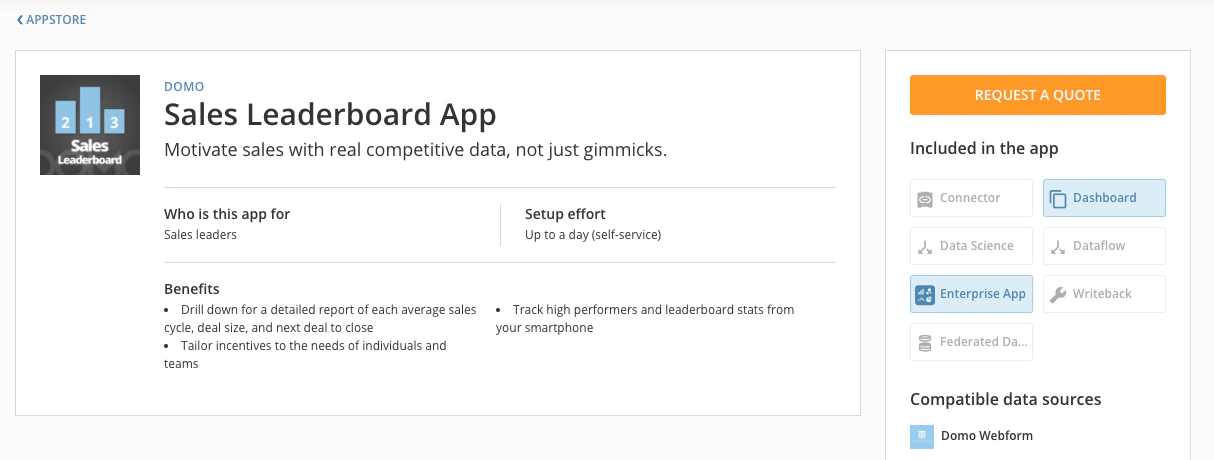
Selling your apps and managing leads has never been easier with the Publisher Hub and the new Domo Appstore submission process. This page will help teach about a) listing paid apps, b) app promotions, c) app sales process, d) managing leads, and e) closing and managing orders.Documentation Index
Fetch the complete documentation index at: https://domoinc-arun-raj-connetors-domo-480645-add-reports-sort-asc.mintlify.app/llms.txt
Use this file to discover all available pages before exploring further.
Listing Paid Apps
Apps can be listed as either free or paid. Paid apps require selecting “Paid (request quote)” under the “Pricing” option in the app submission window. If you want your app to be free to customers, select the “Free” option in this window.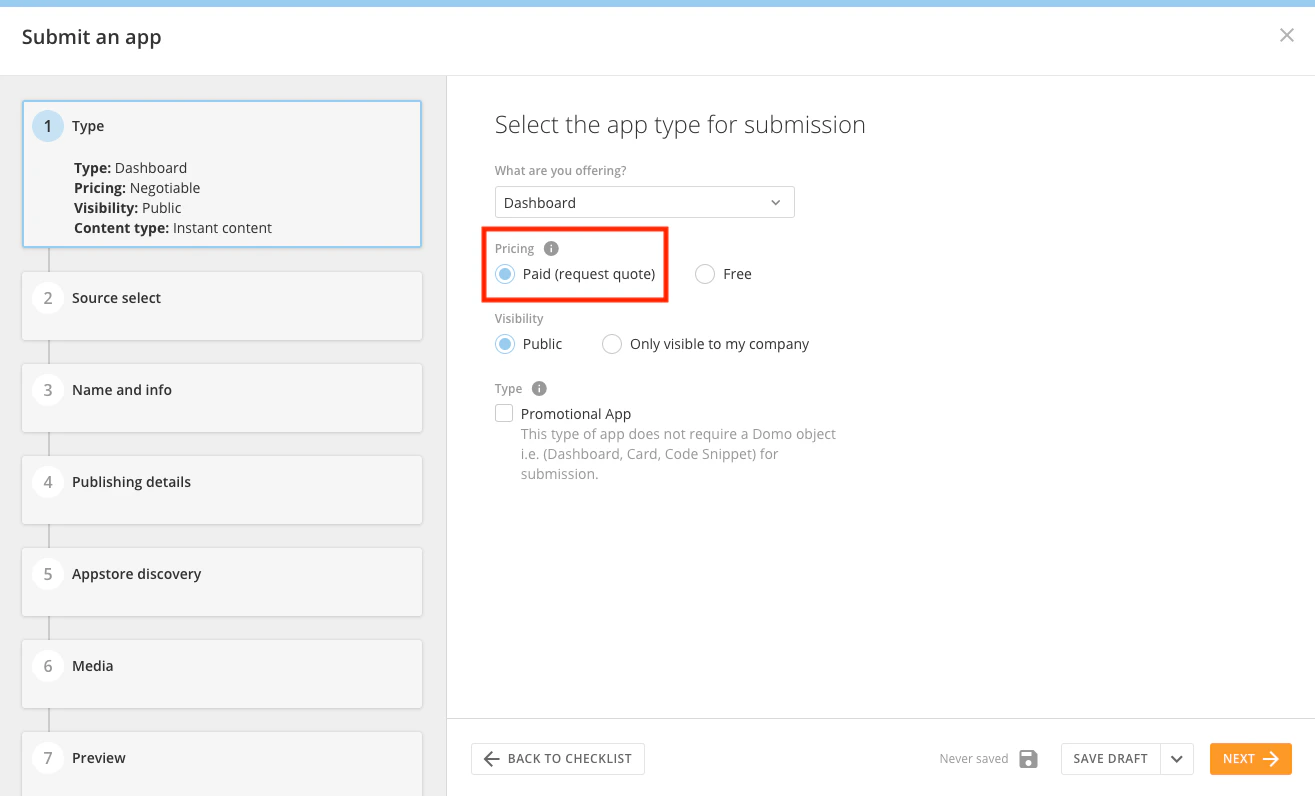
App Sales Process
Customers start the app purchase process by clicking the “Request Quote” button in the top right of the app detail page or in the header of the page where an app has been installed with sample data.